

What the Import Brings Over
RevenueCat manages in-app subscription entitlements; Recurso is a full billing engine. Migrating gives you invoices, a double-entry ledger, dunning, tax, and web billing on top of the subscriber base you already have. The import brings over subscribers (as customers), products (as plans), and active entitlements (as subscriptions) — in their current billing state, with no re-billing.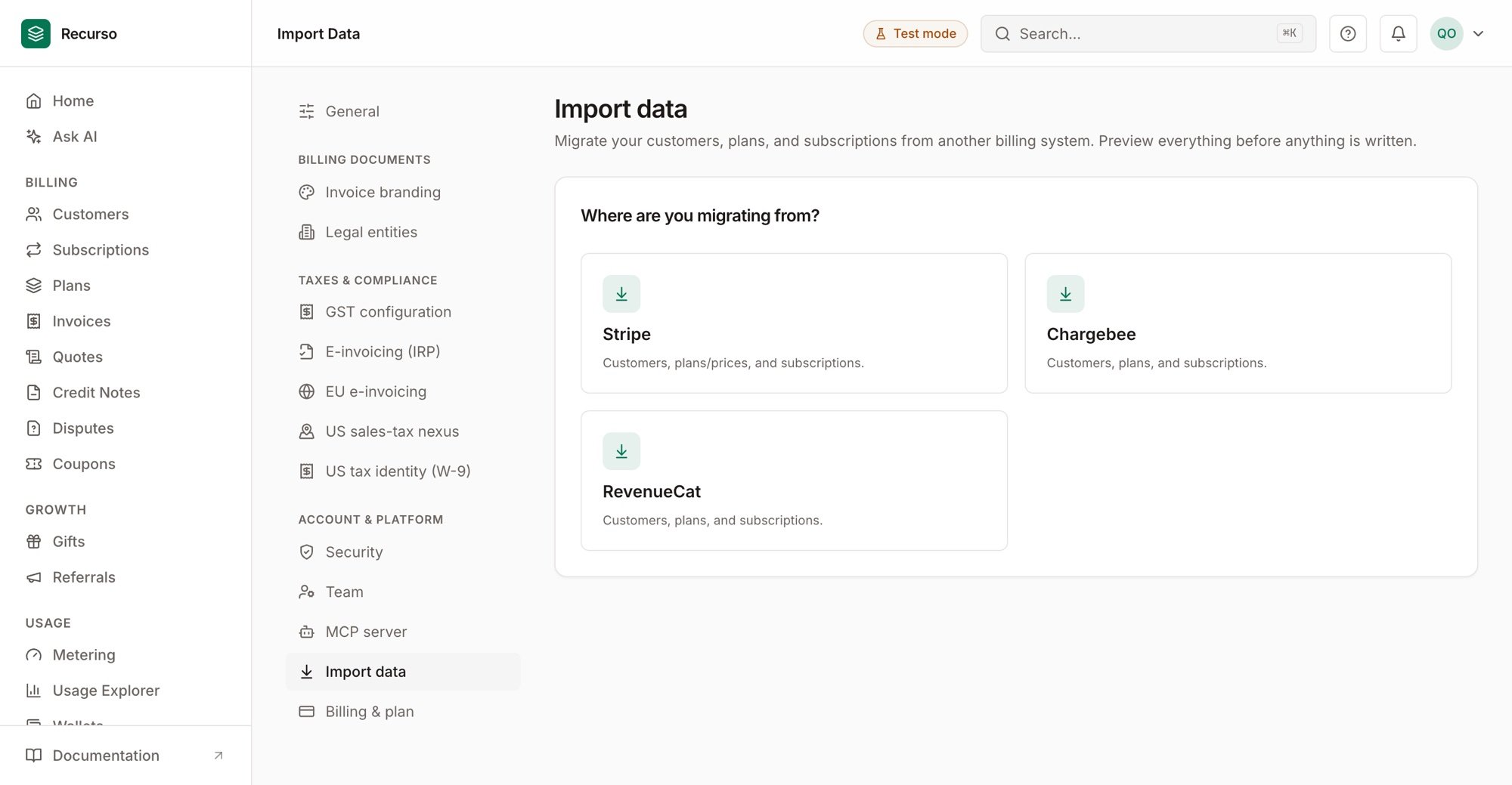
The Import wizard in Settings → Import data
Concept Mapping
What’s Different
- Email is the identity. RevenueCat keys subscribers by an opaque
app_user_id; Recurso requires an email per customer. The preview lists every subscriber without one so you can backfill emails before committing. - Only active entitlements import. Expired ones aren’t subscriptions any more; import history stays in RevenueCat.
- No invoices are generated at import. Subscriptions resume billing at their imported period end.
Migrating Your Subscribers
Step 1: Export from RevenueCat
Assemble a JSON export with your subscribers (including their$email
attribute and current entitlements) and products:
Step 2: Dry-run first
Upload the export in Settings → Import data → RevenueCat, or via the API — the preview is a zero-side-effect plan of exactly what a commit would create, link, skip, or refuse (including every subscriber missing an email):Step 3: Import for real
Step 4: Prove it — the Compare gate
Before cutting over, re-run the export through the Compare gate. It diffs the export against your live Recurso data — read-only — and reports, per record: coverage (every importable subscriber, product, and entitlement exists in Recurso), fidelity (price, currency, and period exact; identity intact), and continuity (an entitlement whoseexpires_at drifted more
than an hour from the imported period end is flagged as the double-billing /
billing-gap risk it is).
"ready": true means zero issues. Every run persists, and
GET /v1/import/compare-reports/{report_id}/document renders it as a
printable, dated receipt — proof for your team that the migration was checked
before go-live. The same gate runs from the Import wizard’s final step.
After Migrating
1
Collect web payment methods
Store-billed cards can’t follow the subscriber. Send customers a portal
link to add a card or mandate before their first Recurso renewal.
2
Point your entitlement checks at Recurso
Use subscription status from the Recurso API (or the MCP server) where
your app previously asked RevenueCat.
3
Reconcile
After the first renewal cycle, run
GET /v1/finance/reconciliation to
confirm the ledger, invoices, and gateway agree.Next Steps
Going to Production
The full pre-launch checklist
Customer Portal
Self-service cards, mandates, and invoices