

gov_schema object in the official GSTN JSON shape
(government field names, amounts in rupees), ready to validate with the GSTN
Returns Offline Tool and hand to your CA.
Recurso generates return-ready exports — it does not file on your behalf.
You (or your CA) review and file through your usual channel.
entity_id (or pick the entity in the dashboard’s GST Returns page) and the
return contains only that entity’s invoices and credit notes, with the
entity’s own GSTIN in the gov_schema header. Omitting entity_id keeps the
whole-workspace behavior — right for single-entity setups.
GSTR-1 — outward supplies, in detail
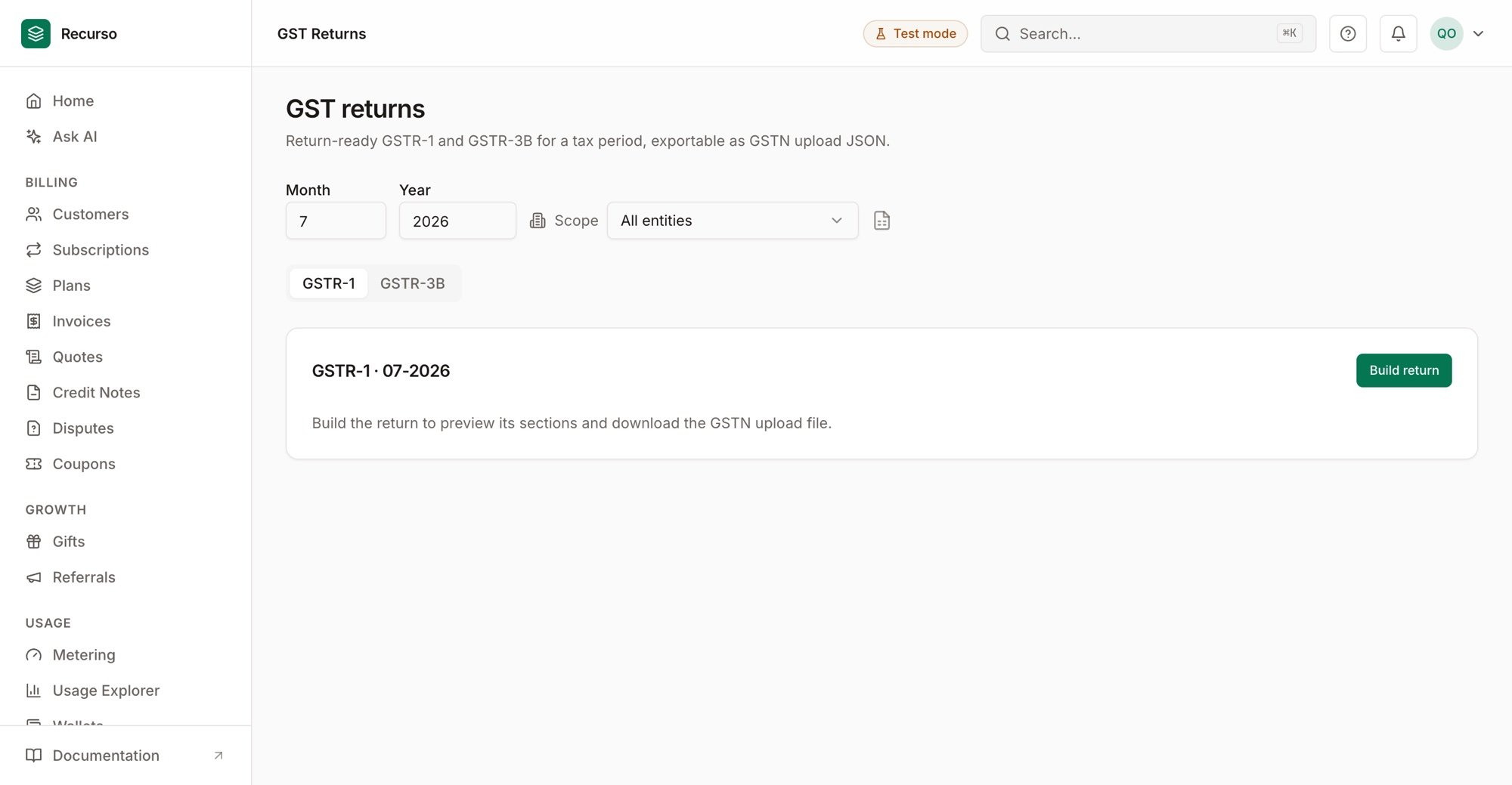
GST returns in the dashboard
- B2B — invoice-level detail for registered buyers, grouped by GSTIN
- B2CS — rate-wise summaries per place of supply for unregistered buyers
- CDNR — credit notes issued to registered buyers
- HSN summary — the per-HSN rollup with taxable value and the tax split
- Control totals so you can tie the return to your ledger before filing
GSTR-3B — the monthly summary
- Table 3.1(a) — outward taxable supplies, net of the period’s credit notes (3B is a net summary, unlike GSTR-1’s separate CDNR section)
- Table 3.2 — inter-state supplies to unregistered persons, per place of supply
- Purchase-side sections (inward reverse charge, ITC Table 4) are emitted as explicit zeros — Recurso holds no purchase-side data; your CA completes those before filing
How the figures stay trustworthy
Amounts come straight from finalized invoices (int64 minor units, the same CGST/SGST/IGST split posted to the double-entry ledger) — never recomputed from floats. That means the GSTR totals tie to the trial balance for the period.Related
- GST invoicing — Place of Supply, HSN codes, the tax split
- e-Invoicing (IRN) — government registration via your GSP
- Self-hosted data residency: with
RESIDENCY_MODE=self_hosted, financial data leaves your deployment only through the gateways, GSP, SMTP, and webhooks you configure — seedocs/india-data-residency.mdin the main repository for the security-review statement.