

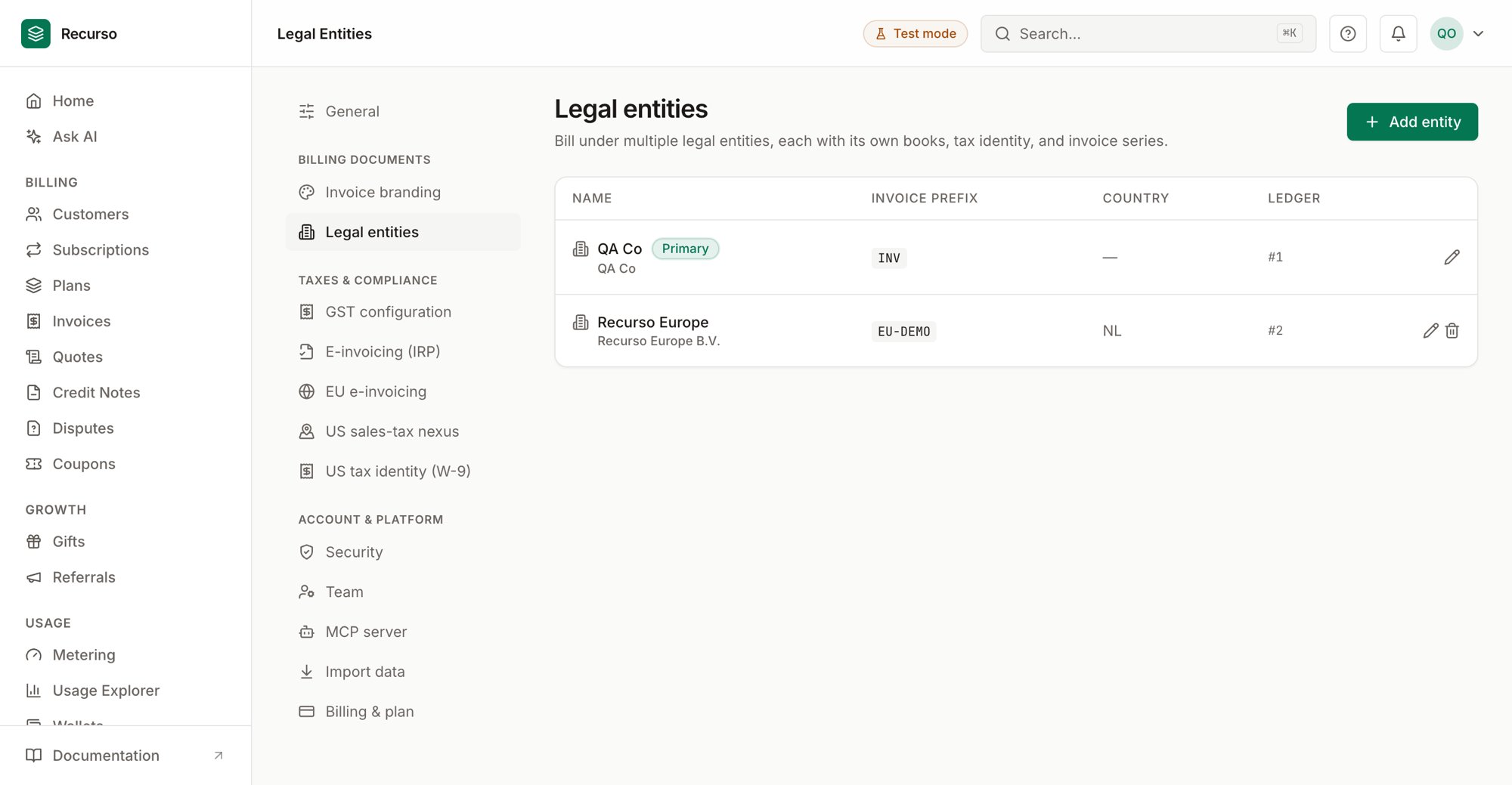
Legal entities in the Recurso dashboard
What a legal entity is
A legal entity is a company you bill from: it has its own general ledger, its own gapless invoice number series, and its own tax identity (GSTIN, VAT number, or US registrations). One Recurso workspace can hold several — a US parent and an Indian subsidiary, say — with every invoice, subscription, and ledger posting attributed to exactly one entity. Every workspace starts with a primary entity (created automatically), so if you bill from one company you never think about any of this: everything simply belongs to the primary, and the entity controls stay out of your way.Entities are different from Organizations:
organizations group multiple workspaces for roll-up MRR; entities are legal
companies inside one workspace, sharing customers and plans but keeping
separate books.
The Entities page
Finance → Entities is the multi-entity control tower: every legal entity with its MRR, ARR, open receivables, and active subscription count side by side, plus consolidated totals — all normalized to your reporting currency. The primary entity is badged. Single-entity workspaces see a pointer to the consolidated dashboards instead.What each entity owns
- Ledger — postings carry the entity’s ledger, so each entity’s books stand alone and reconcile independently.
- Invoice series — each entity has its own prefix and gapless sequence (a compliance requirement in most jurisdictions).
- Tax identity — GST, EU e-invoicing, IRP, and US nexus settings can each be configured per entity. The settings pages carry an entity selector when more than one entity exists; leaving it on the primary edits the default configuration.
Per-entity reporting
Finance reports carry a scope selector (it hides itself for single-entity workspaces):- Trial balance — All entities (per-entity breakdown with an Entity column), Consolidated (rolled up by account code), or a single entity’s ledger. The general-ledger export scopes the same way.
- Invoice aging — receivables aged for one entity or the whole workspace.
- MRR — the MRR waterfall scopes per entity; the Executive Summary shows an MRR by entity card; and the Entities page carries the full breakdown.
- GST returns — a multi-entity Indian workspace files GSTR-1/GSTR-3B per entity: pick the entity and the return contains only its invoices, with that entity’s own GSTIN in the government JSON.
Setting up an additional entity
1
Create the entity
Settings → Entities: name, legal name, country, and an invoice prefix
(must be unique in the workspace).
2
Configure its tax identity
In the tax settings (GST / EU / US), switch the entity selector to the new
entity and enter its registrations. Its invoices will present with its own
identity.
3
Attribute billing
New subscriptions and invoices can be attributed to the entity; anything
unattributed belongs to the primary. From then on its ledger, invoice
series, and reports accrue separately.
Where to go next
- Finance reports — the reports the scope selector applies to
- GST returns — per-entity GSTR filing
- Ledger & audit — the books behind each entity
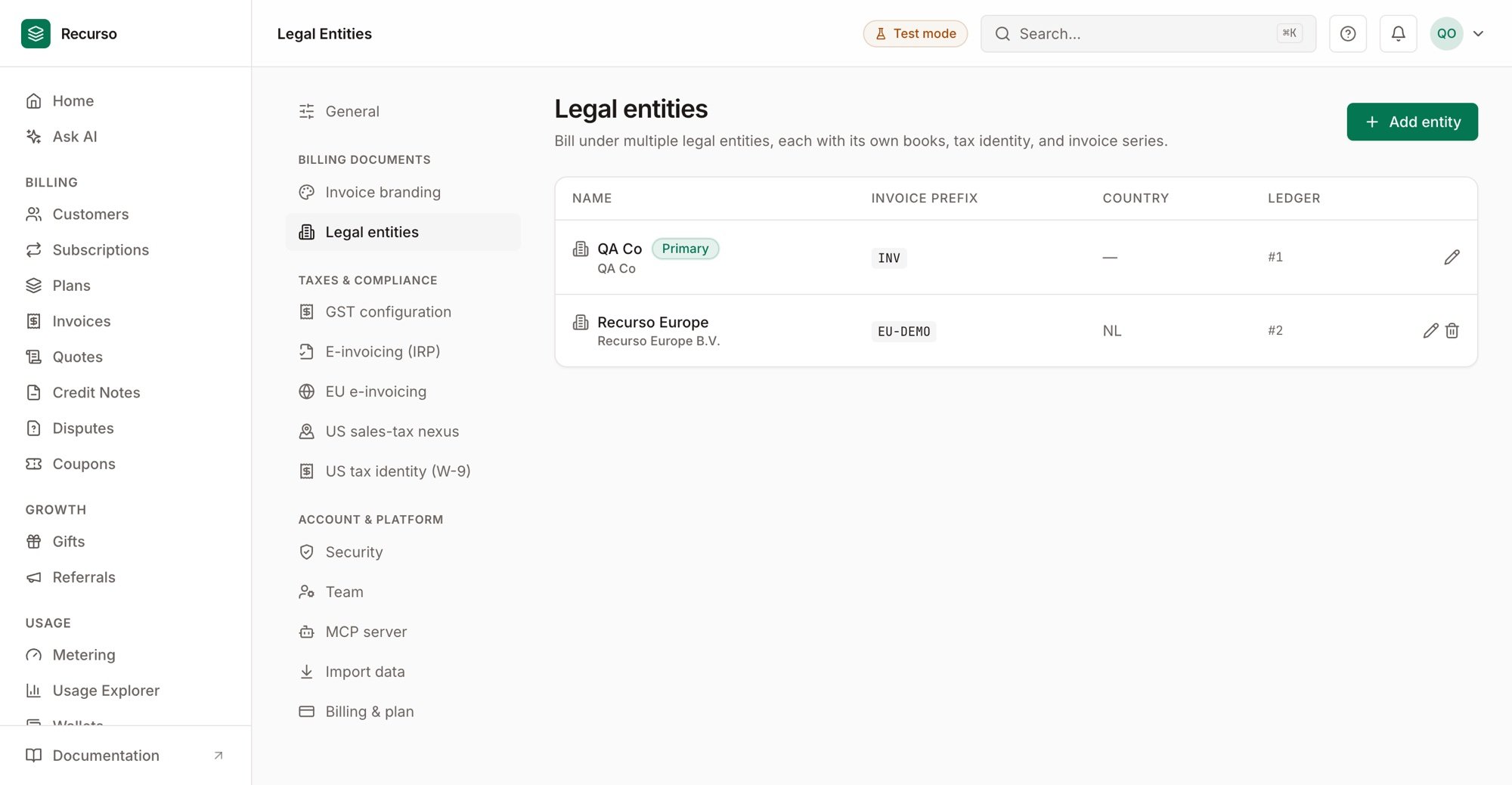
Managing entities in Settings → Legal entities