

What an API key is
An API key authenticates server-to-server calls to the Recurso API (the dashboard itself uses a session cookie; your integration uses a key). Keys are tenant-scoped and sent as a bearer token.Full auth model: Authentication.
Prerequisites
- A running Recurso instance — quickstart.
- Dashboard access to Developers → API keys (creating a key via the API requires an existing key).
Step 1: Create a key
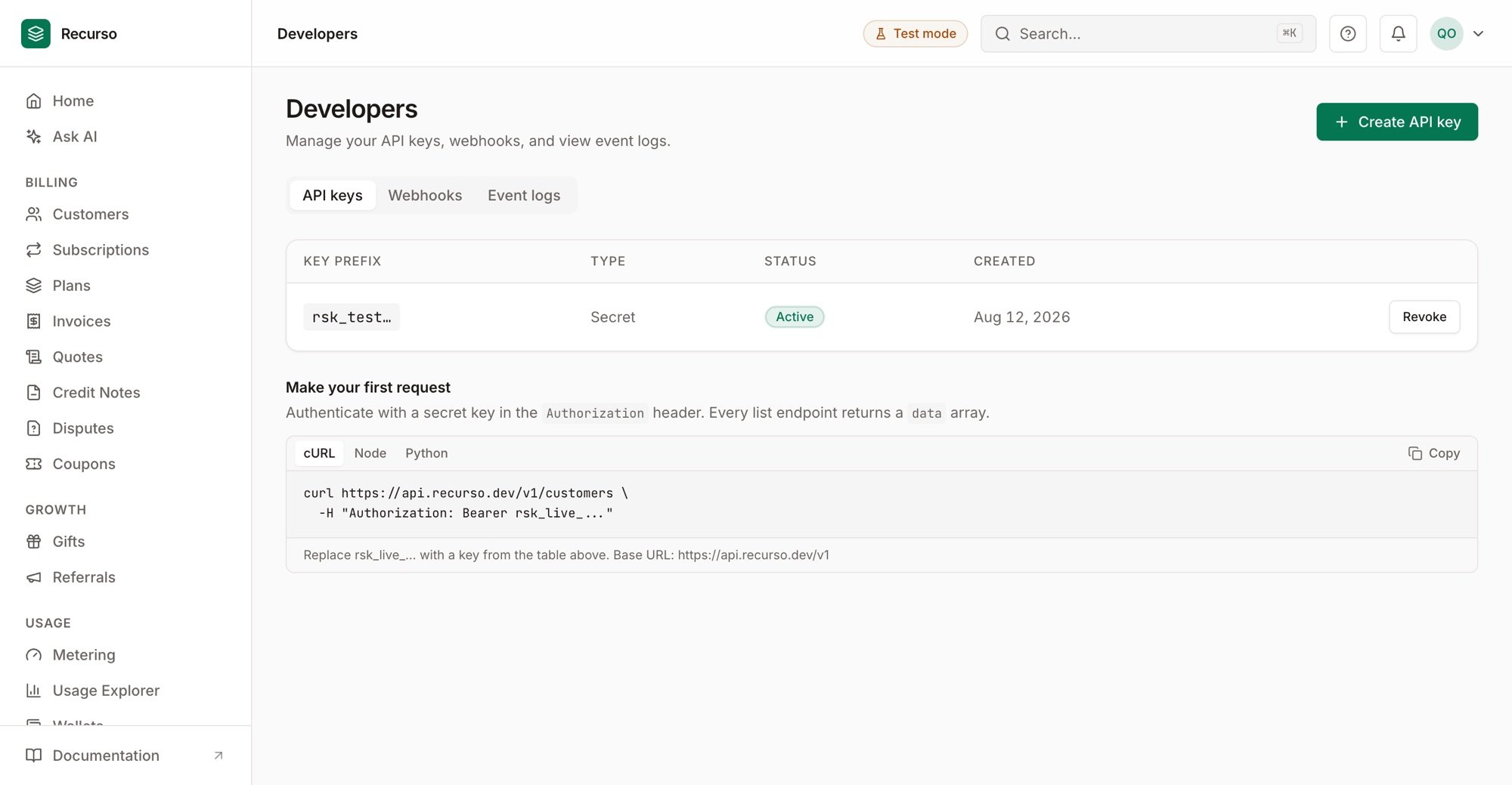
Developer settings — API keys with their prefix, type, and status
Step 2: Use it
Send the key as a bearer token on every request:Step 3: Rotate and revoke
To rotate, create a new key, deploy it, then revoke the old one — revoking a key stops it authenticating immediately. Keep keys out of source control and client-side code; store them in a secret manager.Verify your setup
1
The key authenticates
A request with the key (e.g.
GET /v1/customers) returns 200, not 401.2
Revocation takes effect
After revoking, the same key returns 401.