

How wallet credit works
A wallet is money-denominated prepaid credit for a customer. A committed invoice drains the wallet first — before adjustment credits and before any card — so paid-up customers are never double-charged. Optional auto-recharge tops the balance up off-session before it runs dry.See Wallets for the draining order and balance mechanics.
Prerequisites
- An API key for the API calls below, or dashboard access.
- An existing customer to hold the wallet.
- For auto-recharge: a saved card on a connected payment gateway.
Step 1: Create a wallet for the customer
In the dashboard, go to Wallets → Create wallet (pick the customer and currency); or via the API: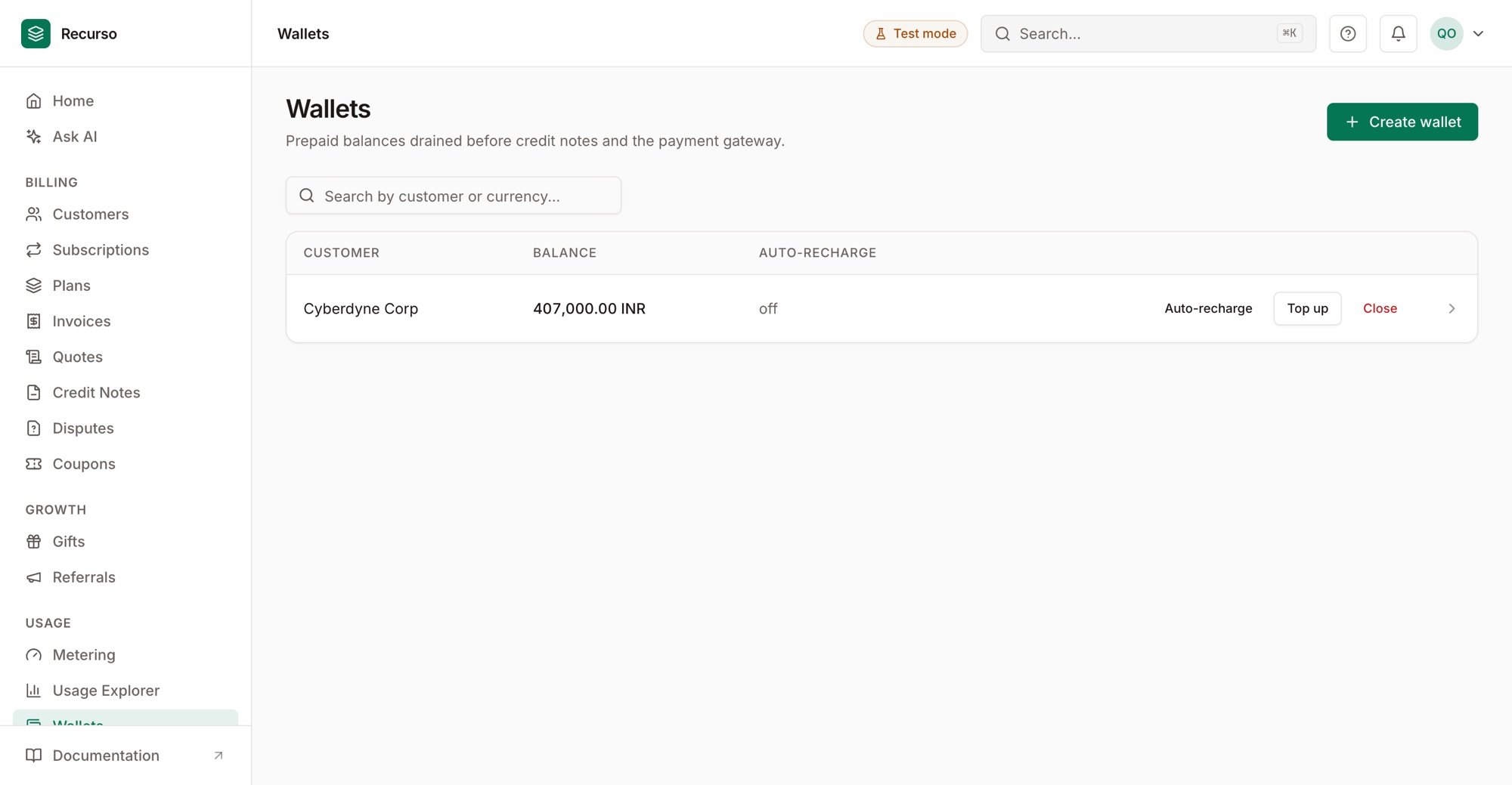
Wallets — each customer's prepaid balance and auto-recharge state
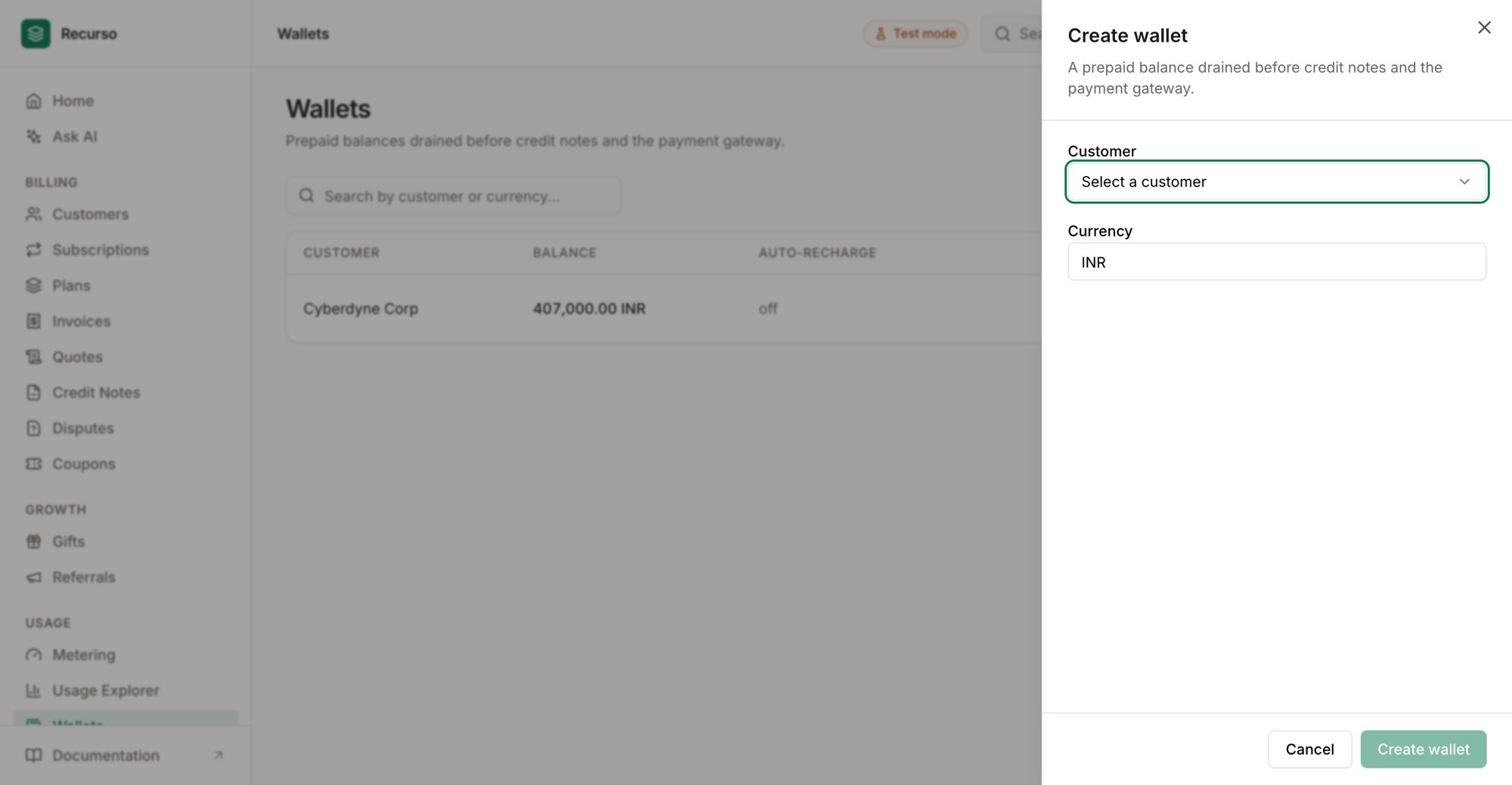
Create wallet — pick the customer and currency
Step 2: Top it up
Add credit to the balance — a manual top-up, or the customer’s prepayment:Step 3: Enable auto-recharge (optional)
Set a threshold and a top-up amount; when the balance dips below the threshold, Recurso recharges the saved card off-session — routed to the tenant’s connected gateway.Step 4: Bill against it
When an invoice commits, the wallet balance is consumed first; only the remainder (if any) goes to the card. Every movement posts to the ledger.Verify your setup
1
The wallet shows a balance
Wallets → the customer’s wallet shows the topped-up balance and a transaction
for the top-up.
2
An invoice drains it first
A committed invoice reduces the wallet balance before charging any card.
3
Auto-recharge fires
Dropping below the threshold triggers an off-session recharge on the saved card.