

What a cancel flow is
A cancel flow is what a customer sees when they try to cancel: a reason prompt and, based on their answer, a save offer (a discount, a pause, a downgrade) that gives them a reason to stay. It turns a one-click churn into a retention opportunity.Dashboard detail: Cancel flows · related:
Cancel with a save offer.
Prerequisites
- A running Recurso instance with dashboard access — quickstart.
- Active subscriptions — the flow intercepts their cancellation.
Step 1: Build the flow
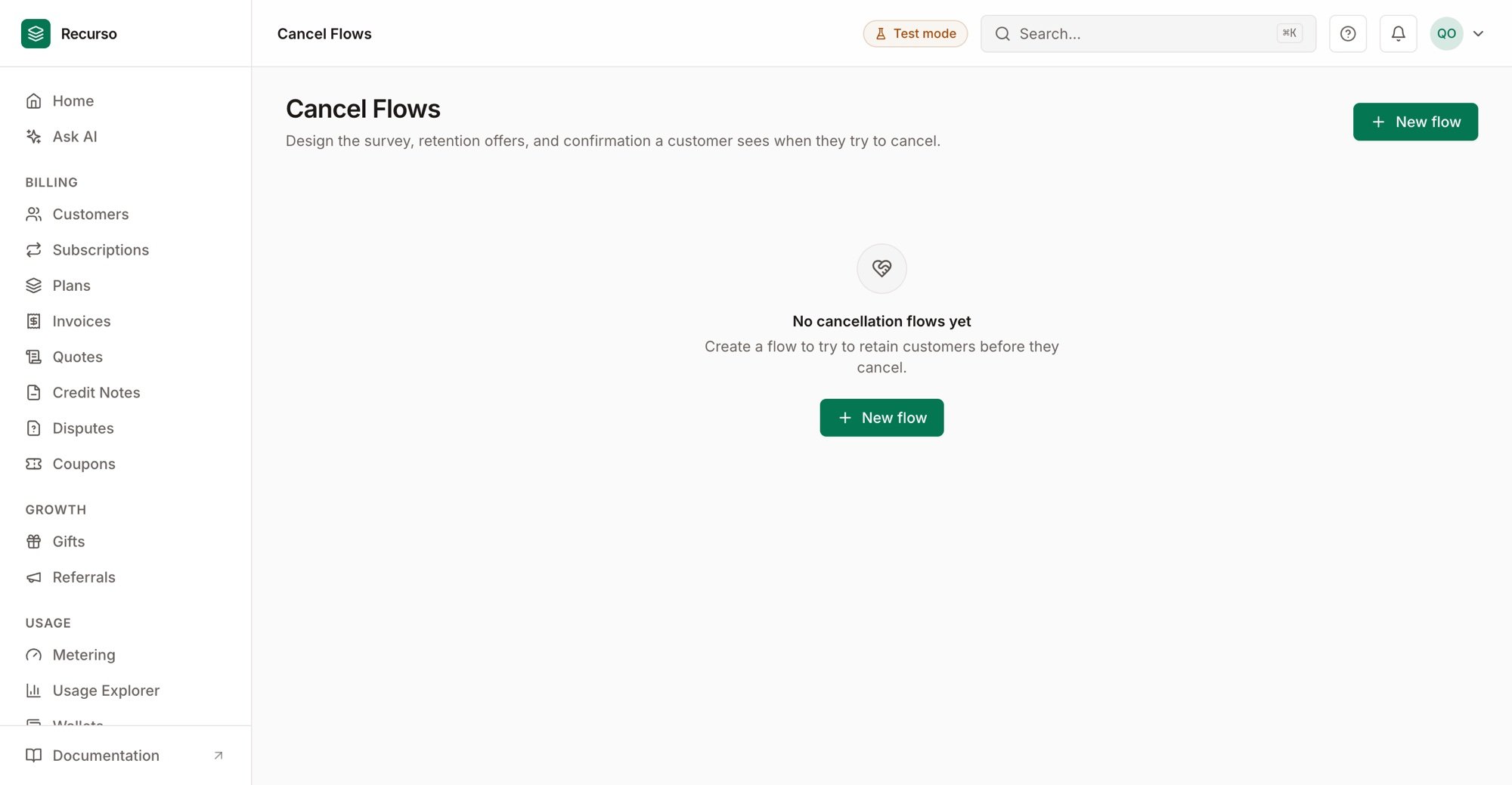
Cancellation flows — the survey, retention offers, and confirmation a customer sees
Step 2: Wire it into your cancel experience
Point your app’s cancel action at the flow so customers hit the reason prompt and offer before the subscription actually cancels. Accepting an offer applies it (discount/pause/downgrade) and keeps the subscription; declining proceeds to cancel.Step 3: Learn from the reasons
Cancellation reasons are captured whether or not the save offer lands — use them to see why customers leave and tune both the product and the offers.Verify your setup
1
The flow presents on cancel
Attempting to cancel shows the reason prompt and a save offer.
2
Accepting an offer retains
Accepting applies the offer and the subscription stays active.
3
Reasons are recorded
Declined cancellations still record the reason for analysis.