

What an organization is
An organization groups related customers under a parent — useful for a company with several billing entities, departments, or subsidiaries you want to see and manage together.Concept + object detail: Organizations.
Prerequisites
- An API key for the API call below, or dashboard access.
- Existing customers to group under the organization.
Step 1: Create the organization
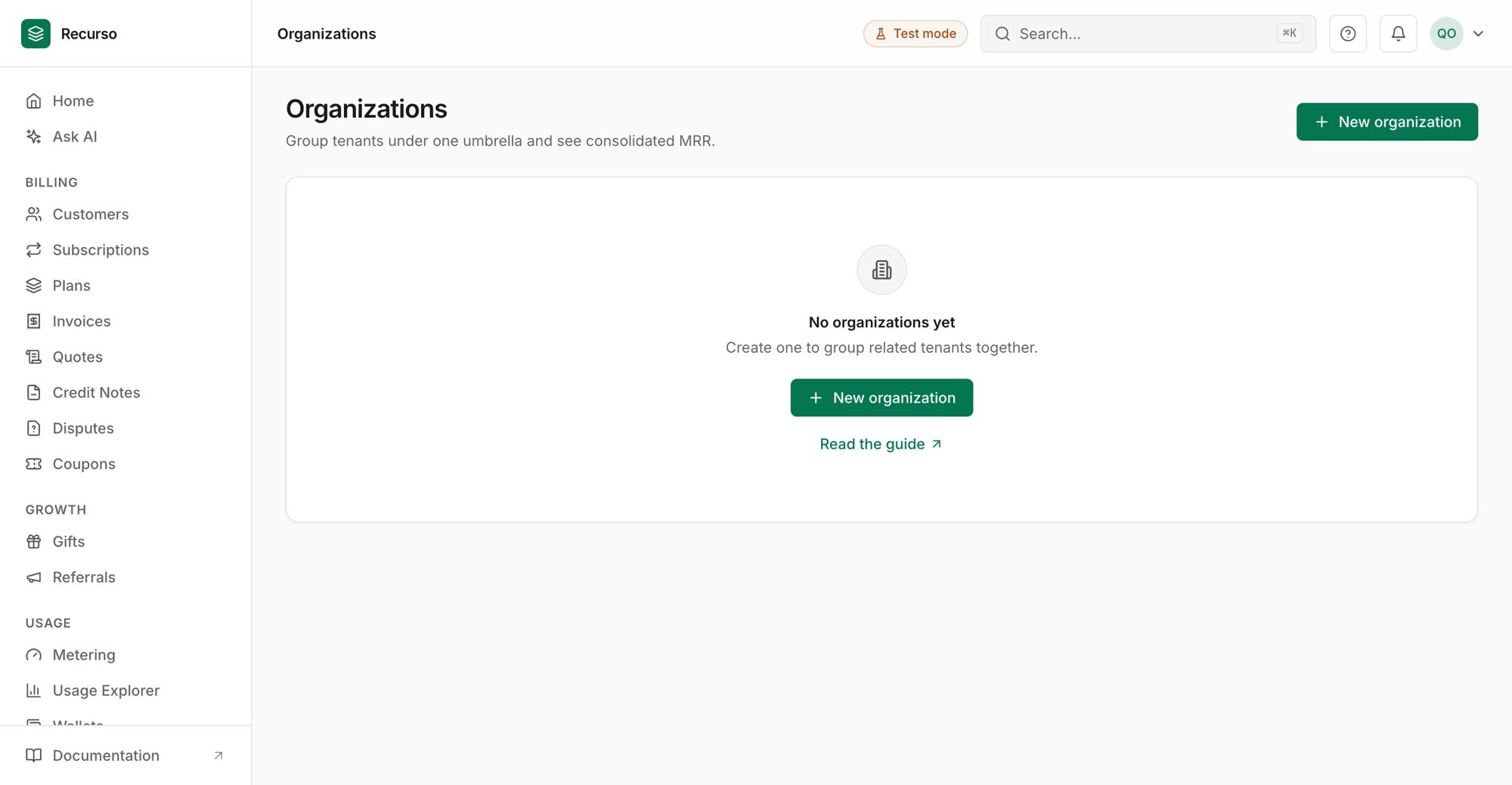
Organizations — group tenants under one umbrella with consolidated MRR
Step 2: Attach customers
Link customers to the organization so their subscriptions and invoices roll up under the parent. A customer belongs to one organization.Step 3: View the hierarchy
Use the organization view to see all member customers and their billing together — a consolidated picture of the account.Verify your setup
1
The organization exists
GET /v1/organizations lists it.2
Customers roll up
Member customers appear under the organization.