

What a credit note does
A credit note issues money back to a customer — either as a cash refund through the gateway, or as account credit that drains against future invoices (before any card). Every credit note posts to the double-entry ledger and tracks its own balance.Full lifecycle and filters: Credit Notes.
Prerequisites
- An API key for the API call below, or dashboard access.
- An existing customer with an invoice to credit.
- For cash refunds: a connected payment gateway — the refund settles through it.
Step 1: Create the credit note
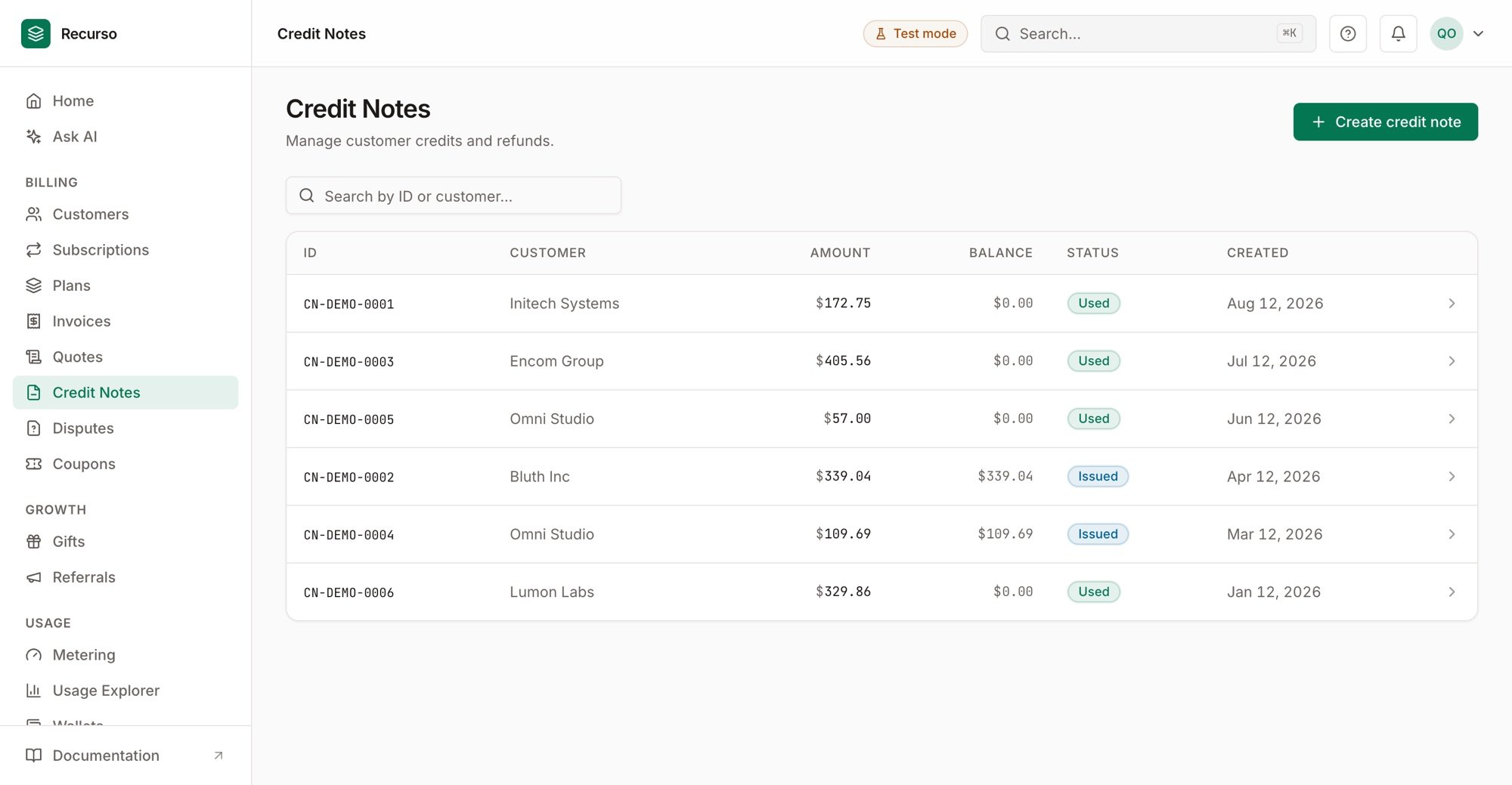
Credit Notes — each note's amount, remaining balance, and status
Step 2: Choose refund vs. account credit
- Cash refund — the amount is returned via the gateway; settlement completes when the gateway webhook confirms it (mandate payments are refundable too).
- Account credit — the amount becomes spendable balance applied to future invoices automatically, before any card.
Step 3: Track the balance
A credit note carries a running balance as it’s applied or refunded, and can be voided while unused. The customer’s overall credit balance reflects all active adjustment credit notes.Verify your setup
1
The credit note exists with a balance
It appears under the customer/invoice with its amount and remaining balance.
2
A refund settles / credit applies
A cash refund flips to settled on the gateway webhook; account credit reduces
the next invoice’s amount due.
3
The ledger balances
The credit note’s legs post to the ledger — the invariant harness keeps it
balanced.