

What webhooks do
Webhooks push billing events to your server as they happen — subscription created, payment succeeded/failed, invoice finalized, and more — so your app reacts in real time instead of polling.Full event catalog and payload shapes: Webhooks.
Prerequisites
- An API key for the API call below, or dashboard access to Developers.
- A public HTTPS endpoint on your server to receive deliveries.
Step 1: Register your endpoint
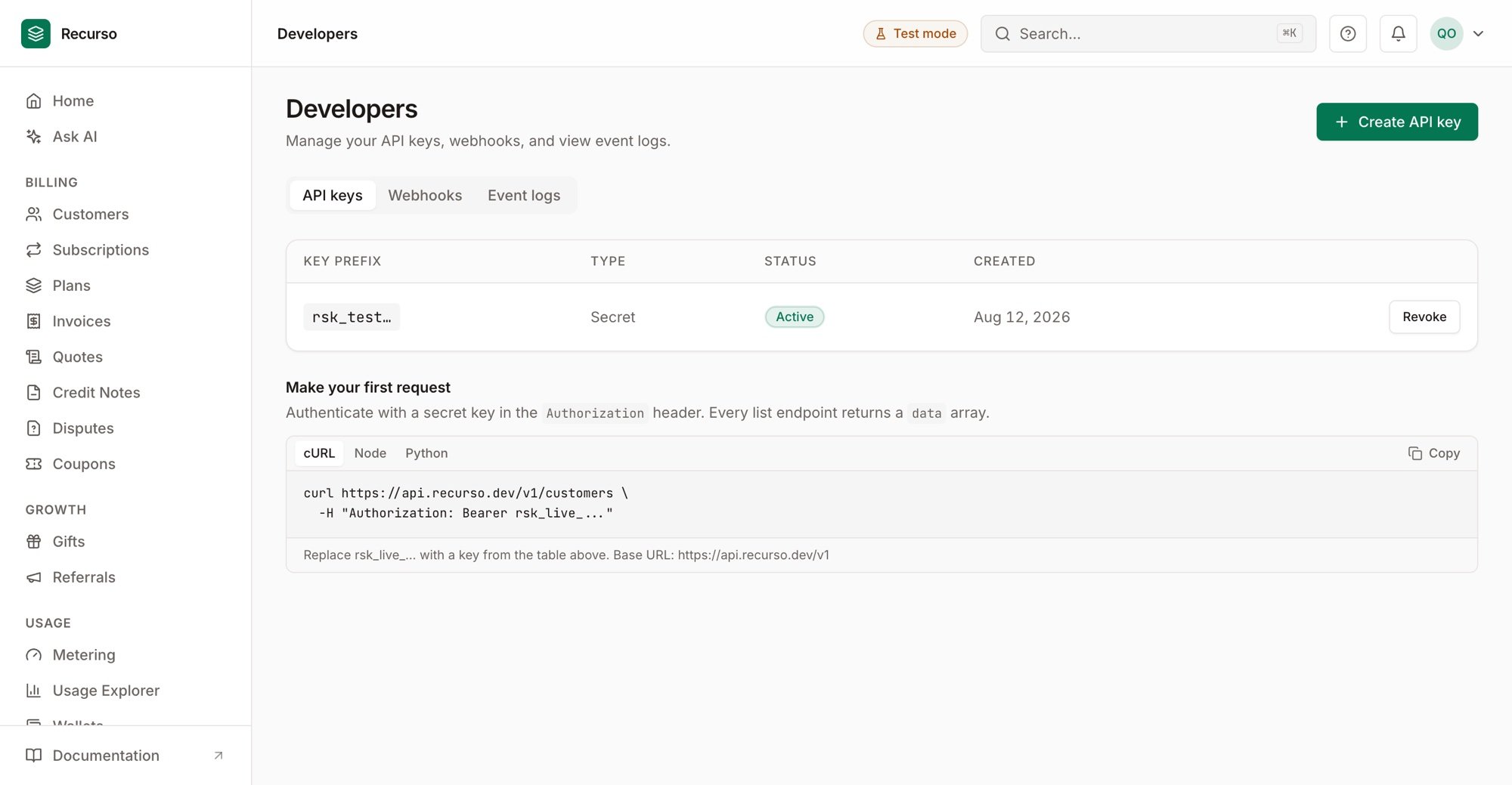
Webhooks — endpoints, their subscribed events, and delivery status
Step 2: Verify the signature
Every delivery is signed with your endpoint’s secret. On receipt, recompute the signature over the raw body and compare — reject anything that doesn’t match, so only genuine Recurso events are trusted. The exact scheme is in Verify signature.Step 3: Respond fast and handle retries
Return2xx quickly (do heavy work asynchronously). If your endpoint errors or
times out, Recurso retries with backoff; make your handler idempotent
(dedupe on the event id) so a redelivery is harmless.
Verify your setup
1
The endpoint is registered
It appears under Developers → Webhooks with its subscribed event types.
2
A test event is signed and accepted
Send a test event; your handler verifies the signature and returns 2xx.
3
Deliveries are tracked
Successful and failed deliveries show in the endpoint’s delivery log; you can
redeliver a past event.
Next steps
- Webhooks concept + event types
- Set up usage alerts (delivered by webhook)