

What a coupon is
A coupon is a reusable discount you apply to a subscription: percentage or fixed amount, applied once, for a number of periods, or forever, with optional restrictions (specific plans, a minimum amount, new customers only).Full option reference: Coupons.
Prerequisites
- An API key for the API calls below, or dashboard access.
- A subscription — new or existing — to apply the coupon to.
Step 1: Create the coupon
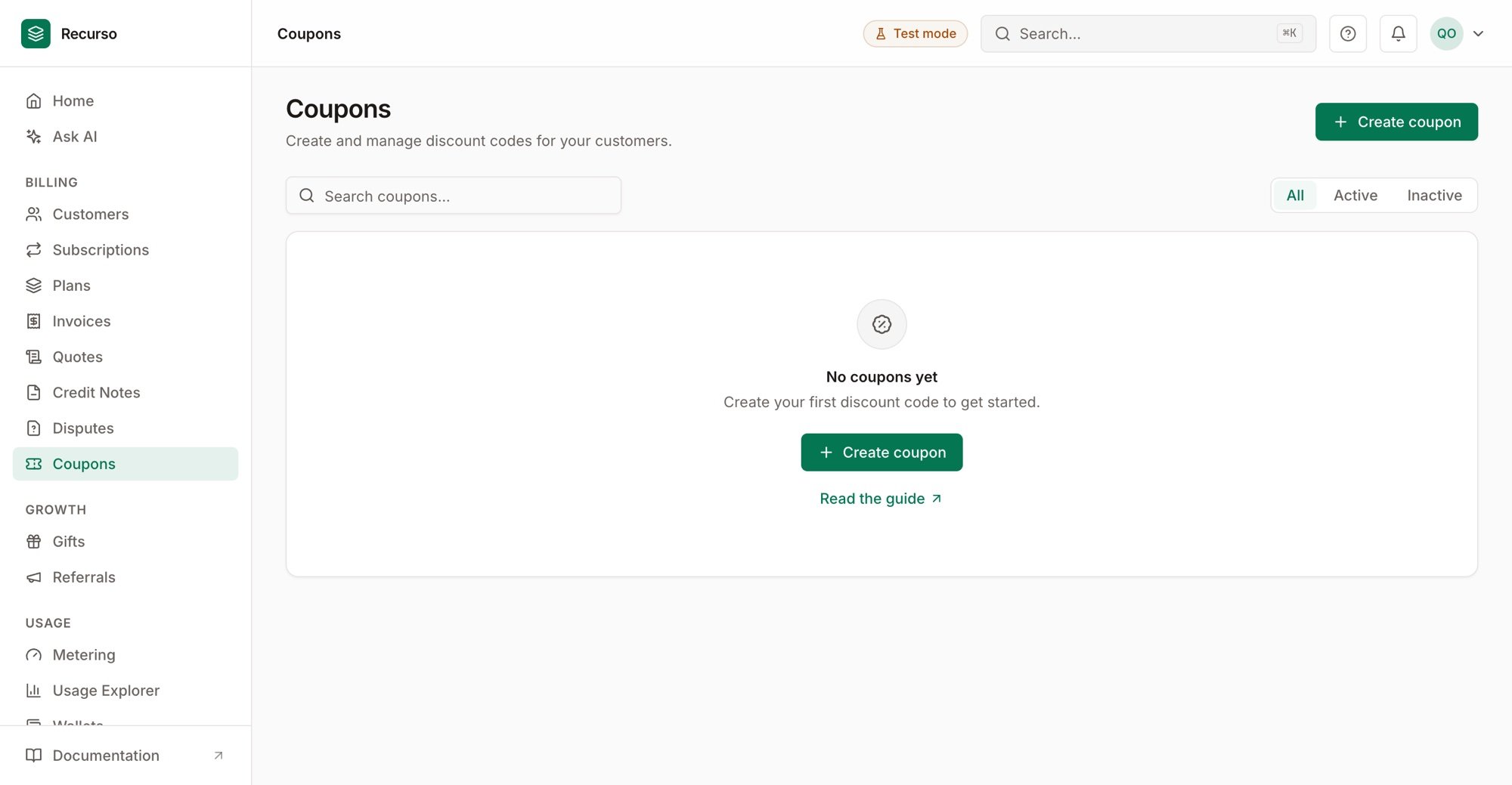
Coupons — discount codes with their type, duration, and redemptions
discount_typeispercentoramount(fixed, in minor units).durationisonce,repeating(withduration_in_periods), orforever.
Step 2: Add restrictions (optional)
Limit where the coupon applies — specific plans, a minimum invoice amount, or new customers only — so a promo can’t be used outside its intent.Step 3: Apply it to a subscription
Attach the coupon at subscription creation or to an existing subscription. The discount is applied on the next invoice and tracked as a redemption.Verify your setup
1
The coupon validates
GET /v1/coupons/{code} (or the validate endpoint) returns it as active.2
The discount lands on the invoice
A subscription with the coupon shows the reduced total on its next invoice.
3
Redemption is tracked
The coupon’s redemption count increments; duration limits are respected.