

What a quote is
A quote is a proposed set of charges you send a customer for approval. They accept (or decline); on acceptance you convert it into an invoice or subscription. Quotes have an expiry and their own PDF.Prerequisites
Step 1: Create the quote
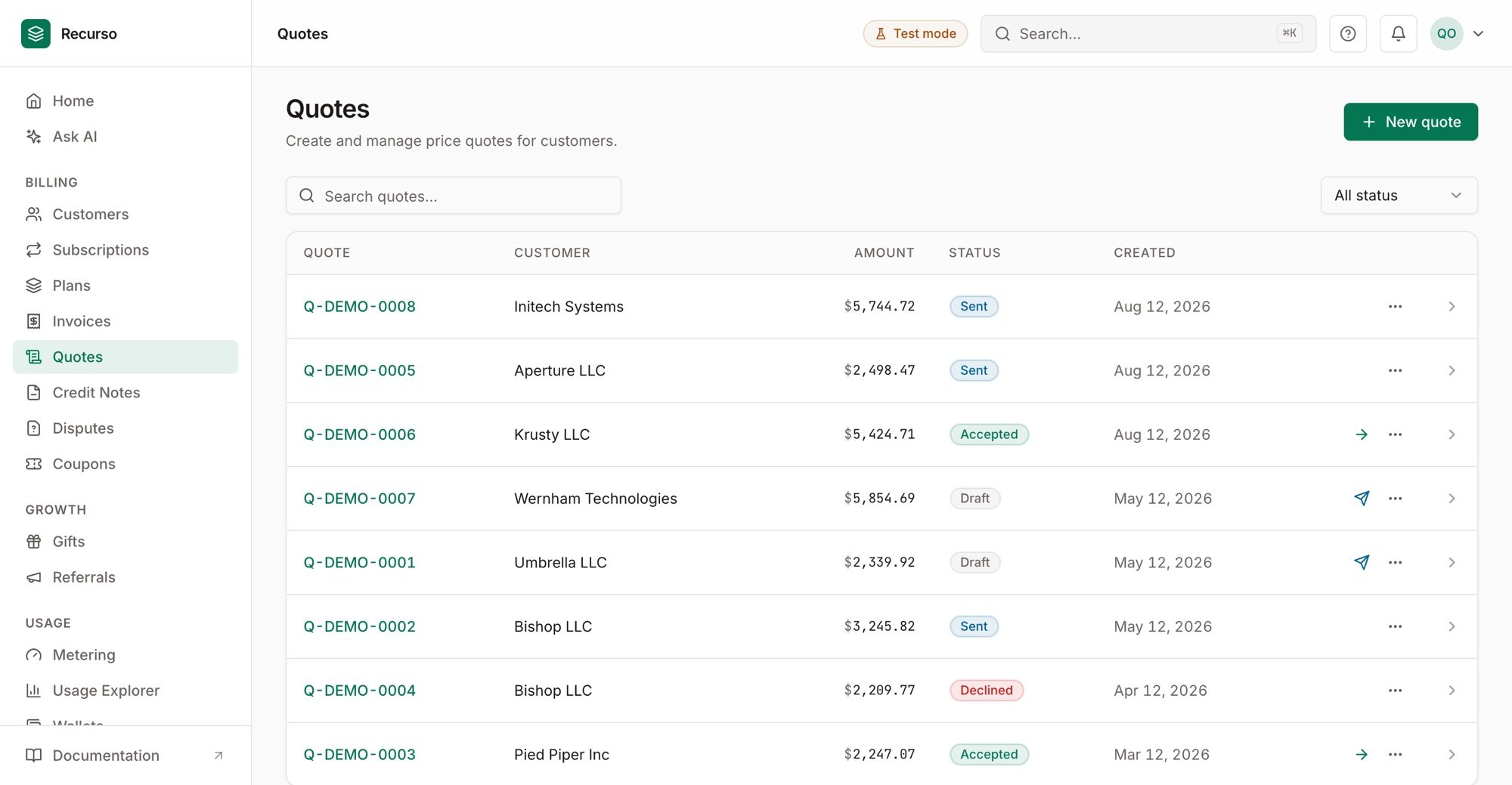
Quotes — draft, sent, accepted, and declined price quotes
Step 2: Send it for acceptance
Send the quote to the customer — they review it (and its PDF) and accept or decline. A quote past itsexpires_at can’t be accepted.
Step 3: Convert on acceptance
Once accepted, convert the quote into an invoice (or subscription). Optional discounts on the quote carry through to the converted document.Verify your setup
1
The quote sends
The customer receives the quote and it shows as sent/pending.
2
Acceptance converts cleanly
Accepting produces an invoice/subscription with the quoted amounts.
3
Expiry is enforced
A quote past its expiry can no longer be accepted.