

What churn monitoring does
Churn monitoring scores each customer’s risk of leaving from their billing signals (failed payments, declining usage, downgrades) and surfaces the high-risk ones so your team can reach out before it’s too late.Dashboard detail: Churn.
Prerequisites
- A running Recurso instance with dashboard access — quickstart.
- Live subscriptions, invoices, and payments — scoring runs on this activity; there is nothing else to configure.
Step 1: Let scoring run on your billing data
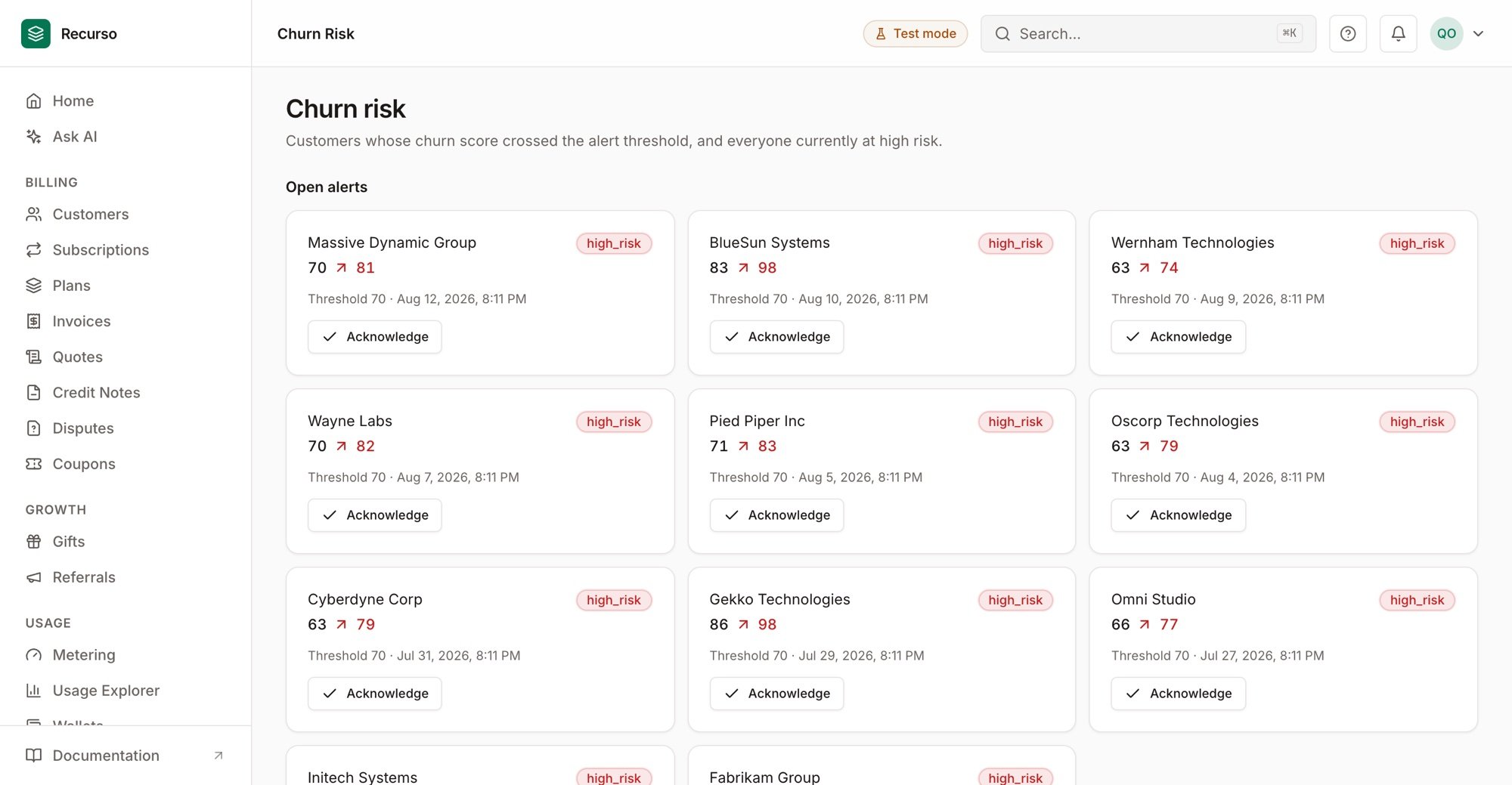
Churn risk — customers whose score crossed the alert threshold
Step 2: Watch the high-risk list
In the dashboard, open Churn to see high-risk customers and churn alerts, ranked by score. This is your intervention queue.Step 3: Act on the signal
Pair it with the tools that reduce churn: strong dunning for involuntary churn, and cancel flows with save offers for voluntary churn.Verify your setup
1
Customers carry a risk score
Customer records show a churn-risk score/level.
2
The high-risk list populates
The Churn dashboard ranks at-risk customers.
3
Signals move the score
A failed payment or downgrade raises the affected customer’s risk.