

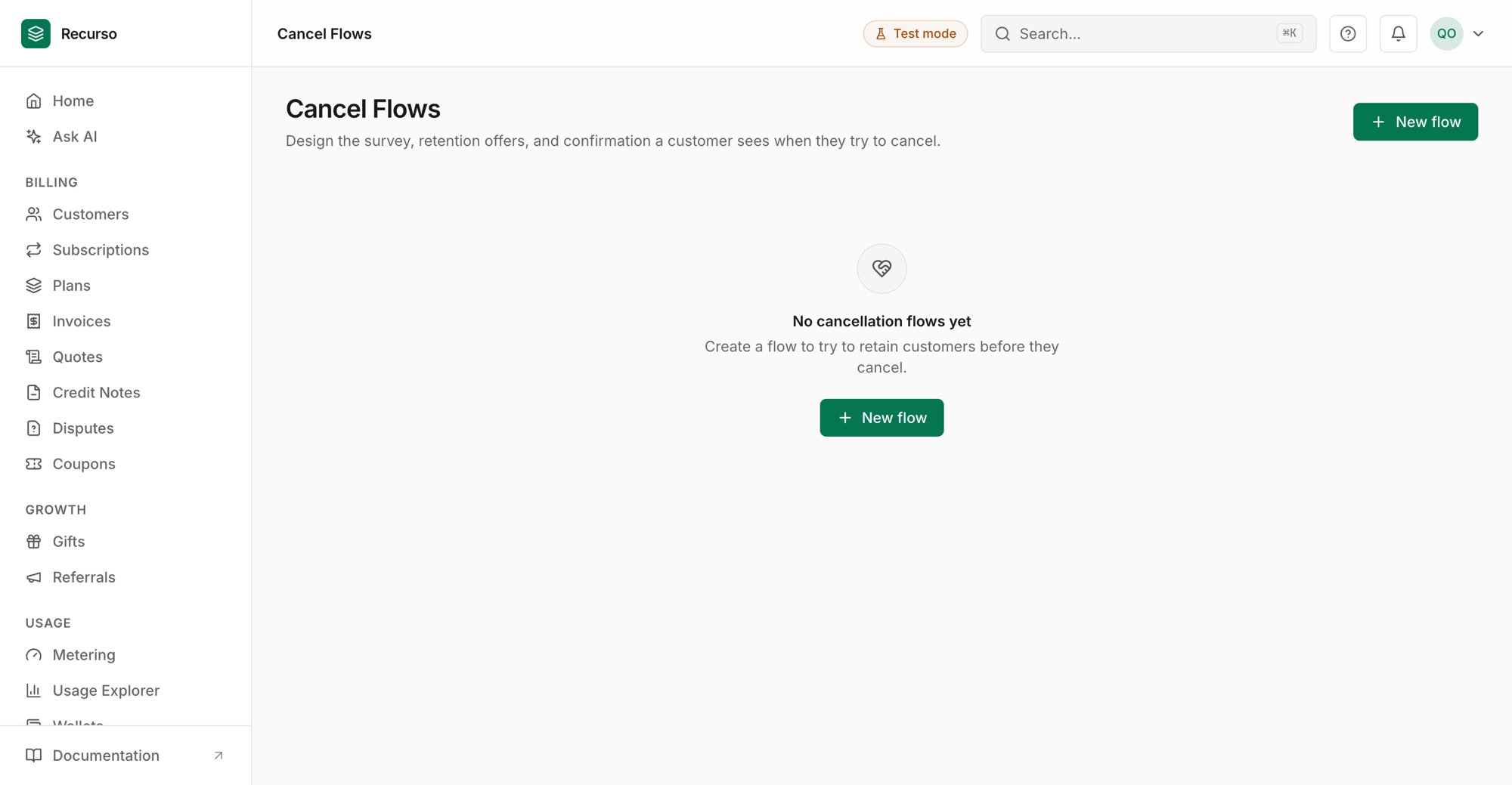
Cancel flows in the Recurso dashboard
What a cancel flow is
Cancel flows (in the left nav, also called cancellation flows) let you intercept a customer who’s about to cancel and try to keep them. A flow is an ordered sequence of steps — a survey, one or more retention offers, and a final confirmation — shown to the customer during cancellation. Each flow has a name, an Active/Inactive state, an optional Default flag, and a cooldown that limits how often the same customer sees it.Cancel flows are the save half of retention: Churn risk
tells you who’s likely to leave; a cancel flow tries to save them at the moment
they act.
The flow list
Each flow shows as a card with its name, badges (Default, and Active/Inactive), and its cooldown in days. Click Configure steps to open the flow detail panel.Create a flow
1
Click New flow
Opens a side panel.
2
Name it and set a cooldown
- Name — e.g.
Standard retention flow. - Cooldown (days) — the minimum days before the same customer sees this flow again (defaults to 30).
- Use as the default flow — optional checkbox to make this the flow shown when no other applies.
Configure steps
The flow panel controls the flow and its steps. At the top you can:- Activate / Deactivate the flow.
- Set as default (or unset it).
- See the cooldown in days.
Performance stats
When available, the panel shows three stats for the flow:Step types
Steps are shown to the customer in order. Add a step with Add step, then pick its Order and Type:
Each type has its own configuration below the type picker. Edit or delete steps
from the list; deleting a step doesn’t affect sessions already in progress.
A typical flow is Survey → Offer → Confirmation: understand the reason,
counter it with an offer, and only then confirm the cancellation.
Related
Cancel with a save offer
The full walkthrough of intercepting a cancellation.
Churn risk
Spot at-risk customers before they reach the cancel button.