

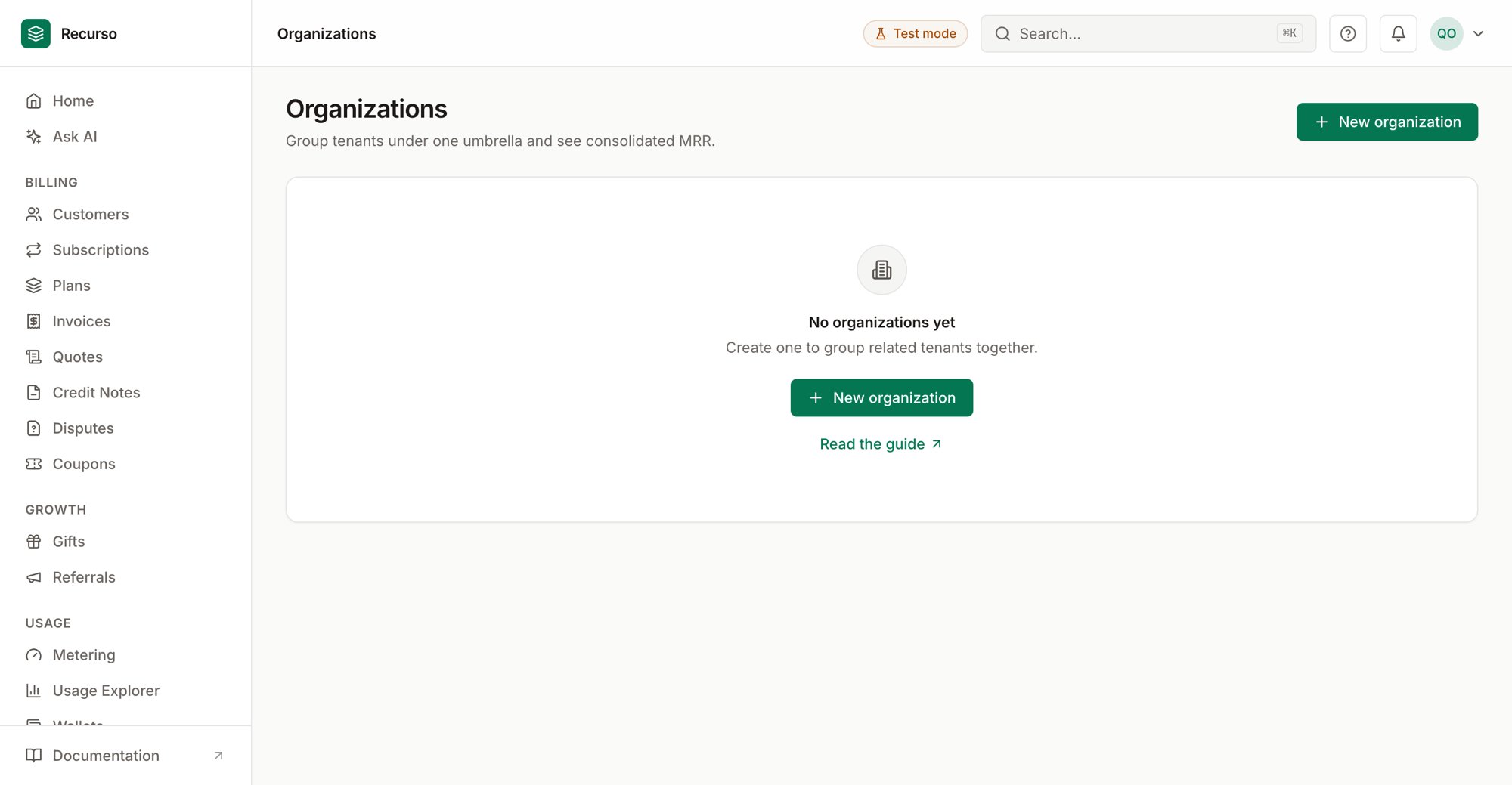
The Organizations page in the Recurso dashboard
What an organization is
Organizations (in the left nav) is the multi-entity view. An organization is a grouping that sits above individual tenants (workspaces): you attach several tenants to it, and Recurso rolls their recurring revenue up into a single consolidated MRR figure. Tenants themselves keep their own data — the organization is just the umbrella. Use it when one company runs several billing tenants (brands, regions, subsidiaries) and finance wants one combined number.An organization records a name and an owner email. Adding a tenant to a
group does not move or merge any of that tenant’s billing data.
The organizations list
The main screen is a table of every organization you’ve created:
Click any row to open its detail panel. If you have none yet, the empty state
prompts you to create one.
Create an organization
1
Click New organization
The button is in the page header (and in the empty state).
2
Enter a name and owner email
Both fields are required — for example Acme Group and
owner@example.com. Click Create organization.Manage a group
Clicking a row opens a right-side panel with everything about that organization.Consolidated MRR
When available, the panel leads with a Consolidated MRR card — the combined monthly recurring revenue across all attached tenants, in the group’s reporting currency.Tenants
Below that is the Tenants list. Each attached tenant shows its name (or short ID) and its full tenant UUID. From here you can:- Add a tenant — paste the tenant’s UUID into the field and click Add. The consolidated MRR and list refresh once it’s attached.
- Remove a tenant — click the trash icon on its row. This only detaches it from the group; the tenant and its data are untouched.
Rename
Click the pencil next to the organization’s name, edit it inline, and click Save.Delete
Delete organization (at the bottom of the panel) removes the grouping only.Related
Finance reports
MRR waterfall, revenue recognition, and more for a single tenant.
Ledger & audit
The double-entry ledger and the append-only audit log.