

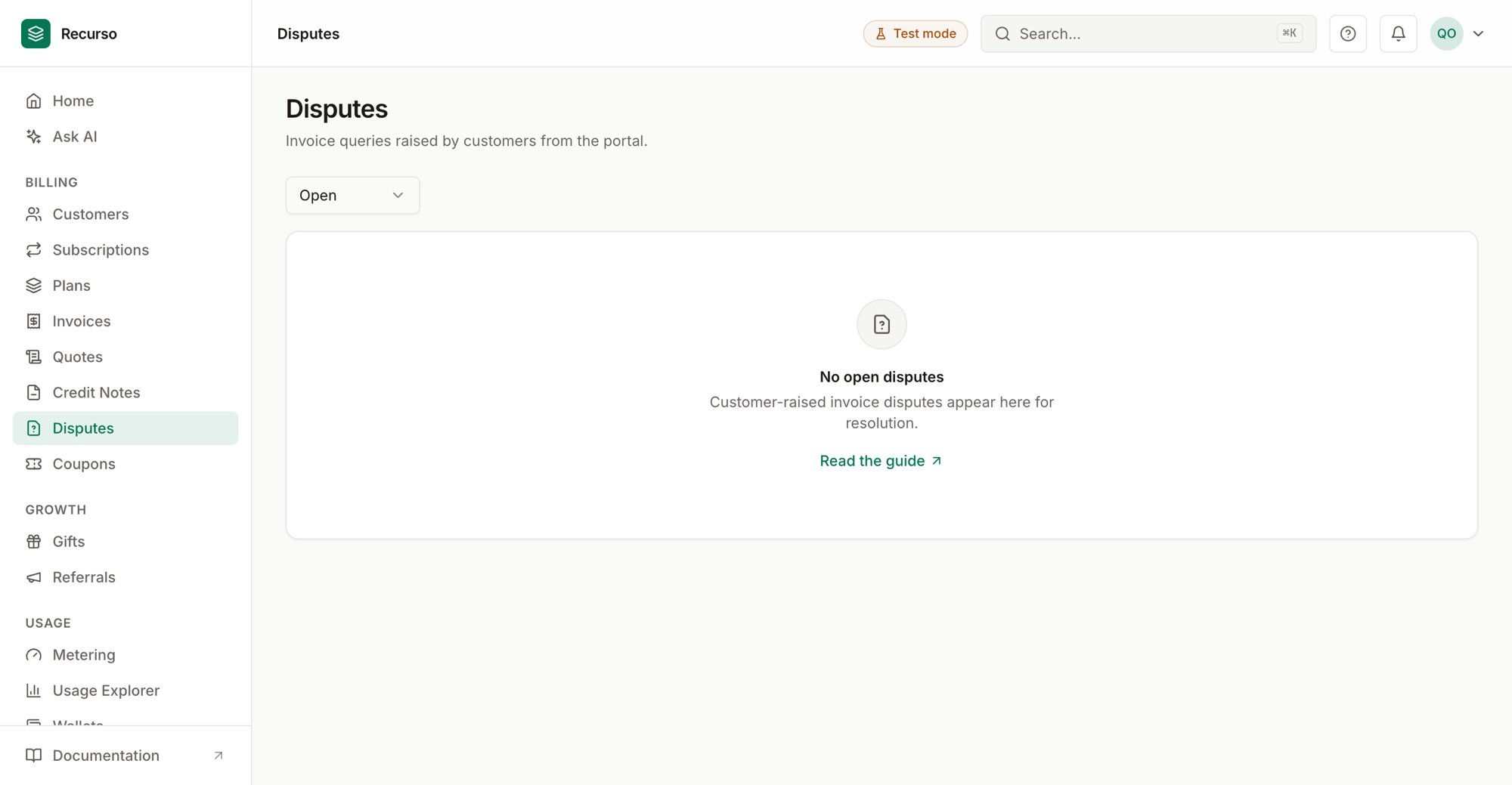
The Disputes page in the Recurso dashboard
What a dispute is
Disputes (in the left nav) is the queue of invoice queries your customers raise from the customer portal. Each dispute ties a customer’s objection to a specific invoice, and your team reviews it — accepting it (optionally issuing a credit note in the same step) or rejecting it.Disputes here are customer-raised invoice queries, distinct from
payment-gateway chargebacks (card/ACH/bank-debit), which are handled
automatically with a ledger reversal. Accepting a dispute can optionally issue a
credit note for the disputed invoice; rejecting it
just closes the record.
The disputes list
The table shows one row per dispute:
Use the status filter in the toolbar to switch between Open,
Resolved, Rejected, and All. The page opens filtered to Open so
the outstanding queue is front and center.
Review a dispute
Open disputes show a Review button. The dialog shows the invoice and the customer’s reason, then lets you decide:1
Optionally, tick “Issue a credit note on accept”
When accepting, this issues an account credit for the invoice’s
outstanding amount against the customer — using the same
credit note flow (and ledger postings) as issuing
one by hand. For a partial credit, leave the box unticked and create the
credit note manually instead.
2
Add a note (optional)
Record what was decided — the note is visible to your team and shows
against the closed dispute.
3
Accept or Reject
Accept closes the dispute as resolved (and issues the credit if you
ticked the box). Reject closes it as rejected. Either way it drops
out of the open queue.
The credit is issued before the dispute is marked resolved, so if credit
creation fails the dispute stays open for a clean retry — never a resolved
dispute with no credit behind it.
Related
Invoices
The invoices customers dispute.
Credit notes
Issue an adjustment or refund when a dispute is valid.