

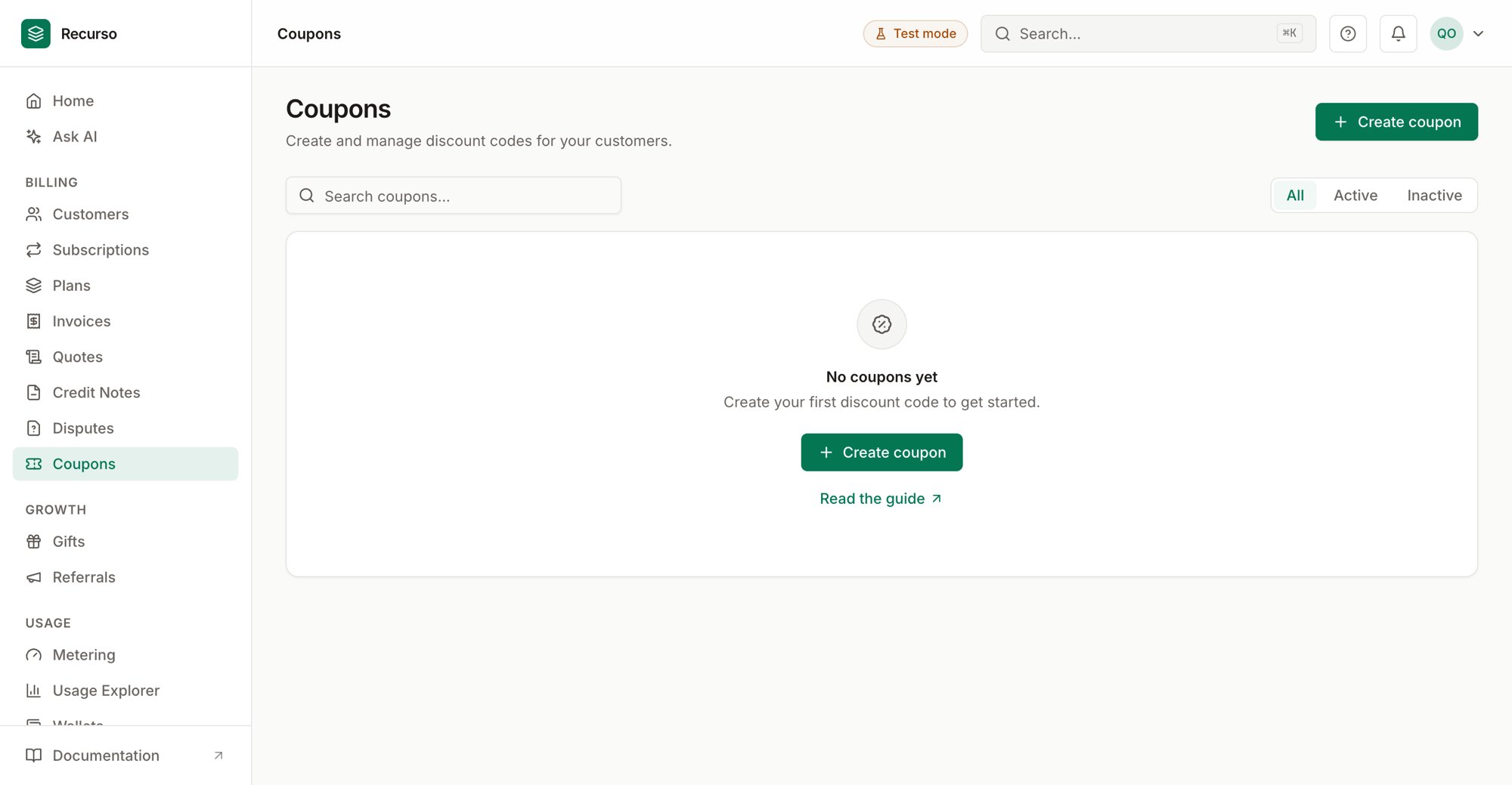
The Coupons page in the Recurso dashboard
The coupon list
Coupons (in the left nav) are the discount codes customers redeem against a subscription. Each coupon is either a percent-off or a fixed-amount-off discount, applied for a chosen duration. The list shows every coupon with these columns:
Search by code and filter with the All / Active / Inactive tabs. Each row has
a quick Deactivate / Reactivate action on the right.
Create a coupon
1
Open Create coupon
Click Create coupon to open the side panel.
2
Set the code
Type a Coupon code (e.g.
SUMMER25OFF) or click Generate for a random
10-character code.3
Choose the discount
Pick a Discount type and enter a Discount value:
- Percent off — a whole-number percentage (the field shows a
%). - Amount off — a currency amount (the field shows a
$).
4
Set duration & limits
- Duration — Once, Forever, or Limited time (repeating). Repeating reveals a Duration in months field.
- Max redemptions — optional; leave blank for unlimited.
- Status — toggle the coupon active or inactive on creation.
Enter amount-off discounts in whole currency units —
25 means $25 off, not
25 cents. Percent discounts are plain numbers.The coupon detail panel
Click a row to open the coupon’s detail sheet. It shows the code with its discount badge, the Duration, and the Created date. When the coupon has a redemption cap, a progress bar shows how much of the cap has been used; otherwise it shows the times redeemed count.Activate & deactivate
Use the row action (or reactivate directly — it’s low-risk and skips confirmation) to flip a coupon’s status. Deactivation asks you to confirm.Related
Plans & products
The plans a coupon discounts.
Subscriptions
Where a redeemed coupon reduces the recurring charge.