

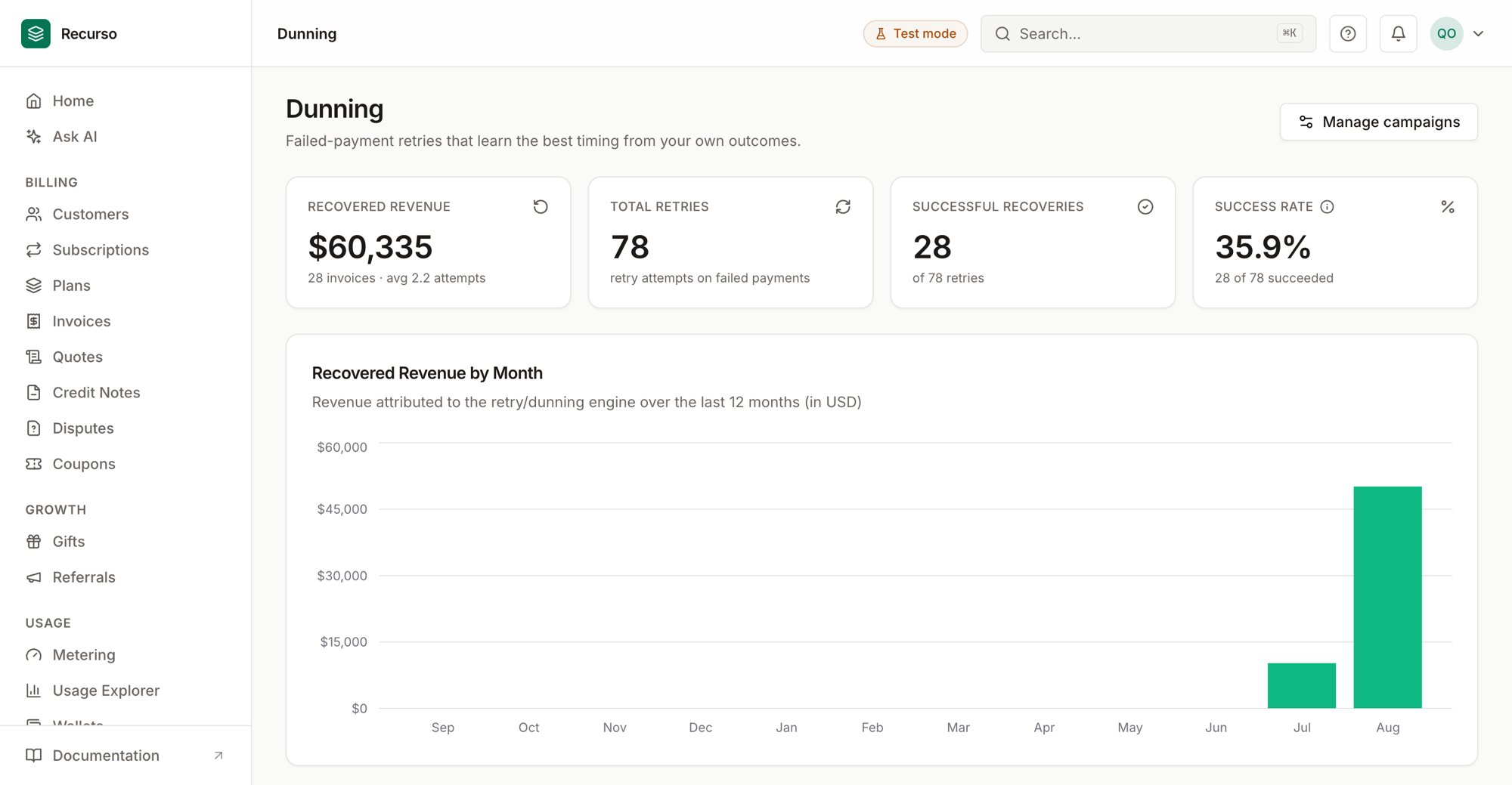
The Dunning page in the Recurso dashboard
Retries and campaigns
Dunning is how Recurso recovers money from failed and overdue payments. It has two parts:- Smart Dunning — an automated retry engine that learns the best time to re-attempt a failed payment, and reports the revenue it recovers.
- Dunning campaigns — the sequence of reminders (email, SMS, in-app) sent to the customer while recovery is in flight.
The retry engine decides when to re-charge; campaigns decide what the
customer hears. They work together on the same failed invoices.
Smart Dunning
The Smart Dunning dashboard is the landing screen. It uses a reinforcement- learning retry optimizer (an epsilon-greedy multi-armed bandit) that learns, per context, which retry interval recovers payments best.KPIs
Four cards head the page:Recovered Revenue by Month
A bar chart of revenue attributed to the retry/dunning engine over the last 12 months, in your reporting currency. A recovery is counted when a failed invoice is paid after retries — so the chart stays empty until the engine recovers something.Arm Performance by Context
Each context (currency:error_code) learns independently which retry
interval — an arm — works best. The table groups arms by context and shows
each arm’s average reward, sample count, and marks the winning arm with
a Best badge once it has samples.
Reward and sample counts populate only after the first retry outcomes are
recorded. Early on, expect sparse data while the bandit explores.
Recent Retry History
A log of individual retry attempts — time, invoice, context, the action (arm) chosen, and whether the outcome was Success or Failed.Dunning campaigns
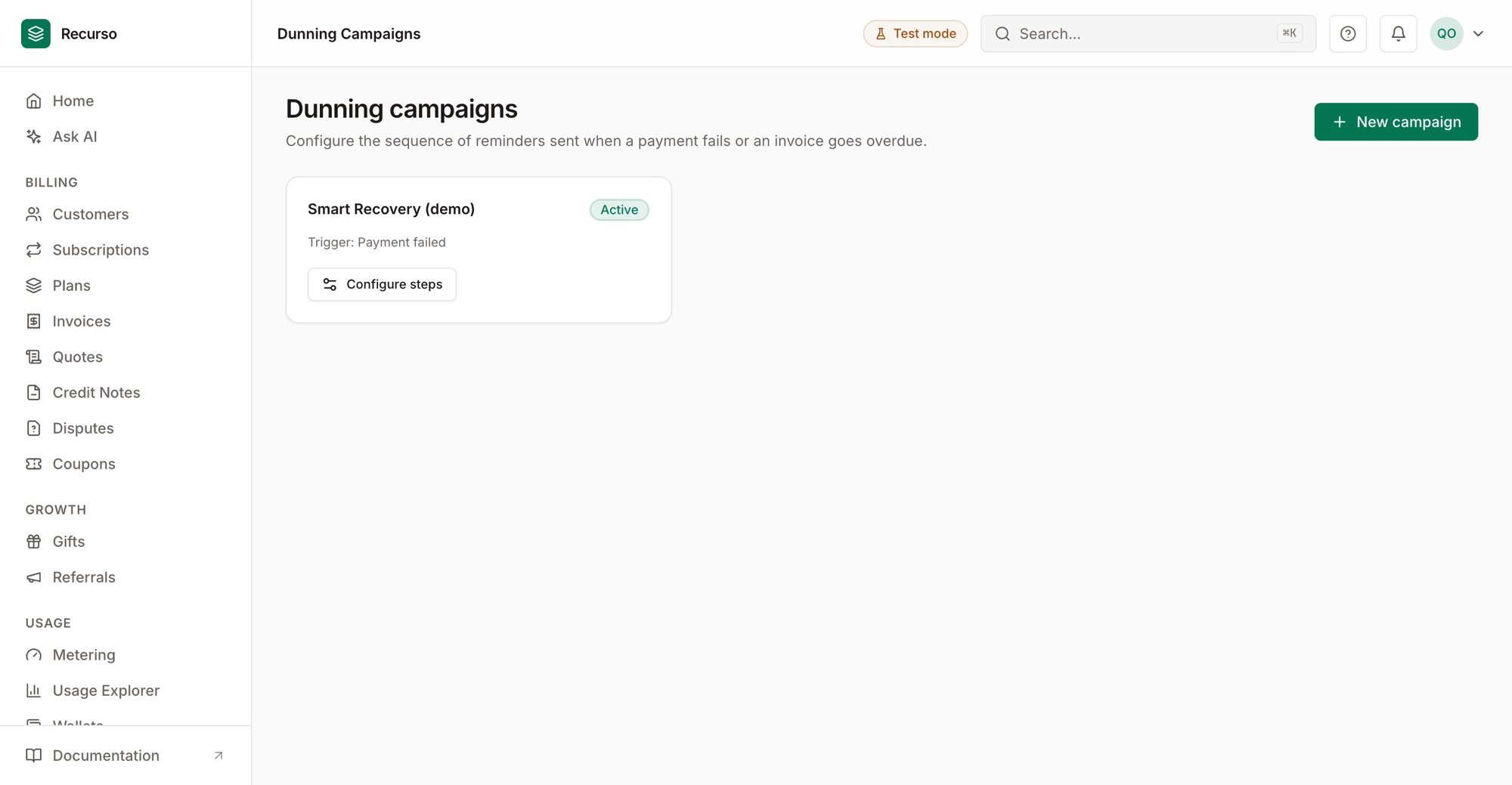
Dunning campaigns
Create a campaign
1
Click New campaign
Opens a side panel.
2
Name it and choose a trigger
- Payment failed
- Invoice overdue
Configure steps
In the campaign panel you can Activate / Deactivate the campaign and manage its ordered steps. Each step has:- Order — position in the sequence.
- Delay (hours) — how long to wait after the trigger (step 1) or the previous step before this step sends.
- Channel — Email, SMS, or In-app.
- Subject and Body — the message content.
- Template name (optional) — reference a named template instead.
- Payment wall — toggle to gate the customer behind a pay-now wall at this step.
Related
Recover a failed payment
The end-to-end recovery walkthrough.
Invoices
The failed and overdue invoices dunning acts on.